ARTIST'S STATEMENT:
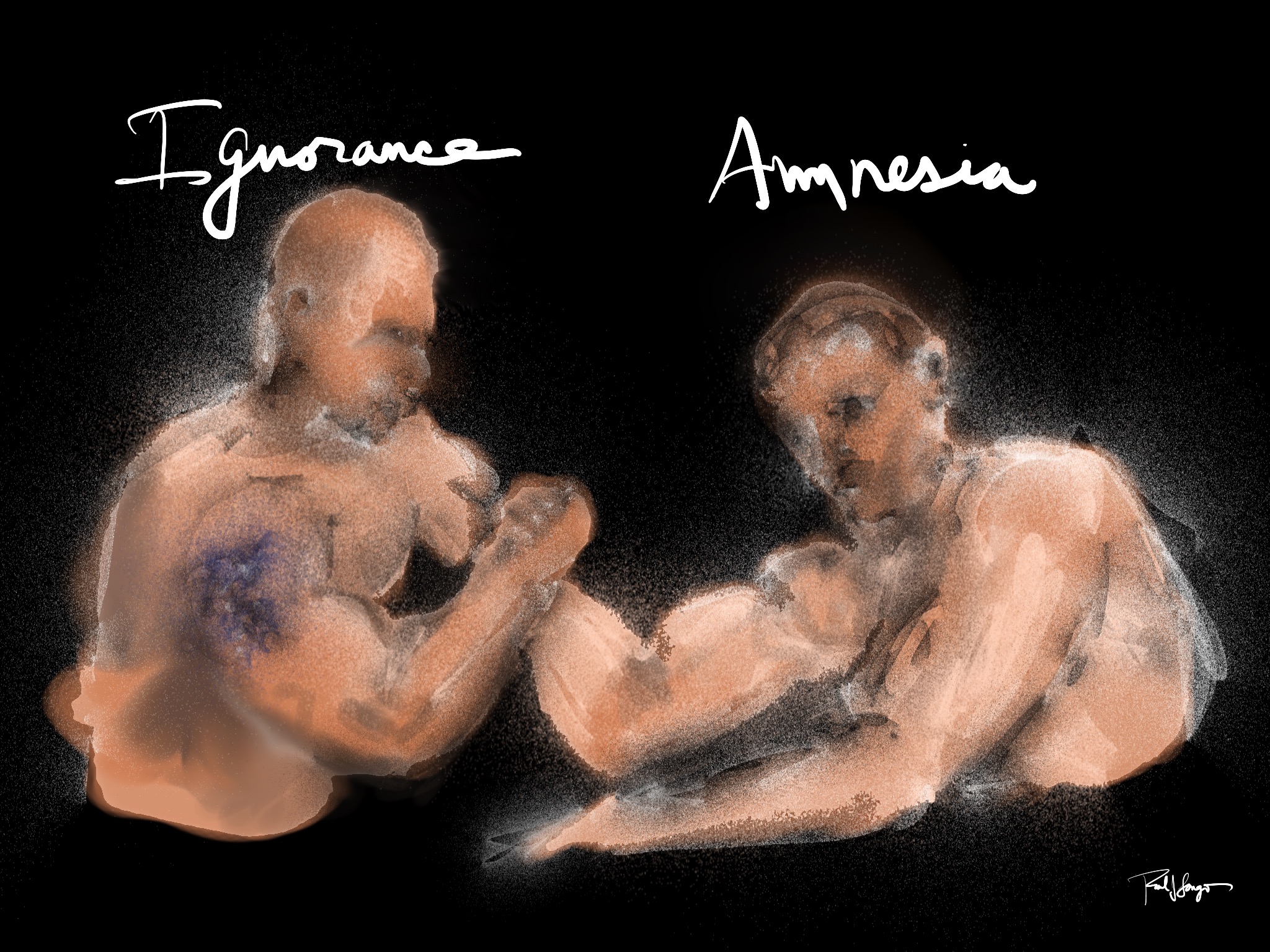
I want my artwork to comfort the afflicted and to afflict the comfortable. I want it to shed light and call attention to beauty, coherence, and unity; and, I want it to cast doubt on falsehoods, oversimplifications, and absurdities. I’d like to be instrumental in deepening our awareness and appreciation of the fullness of life, including its complexities, ambiguities, and paradoxes.
I draw and paint on an iPad with an Apple Pencil or my fingers using a variety of drawing/painting apps; although, I still work in wood and clay as well. iPads are portable and versatile, require little set up, and there’s no clean up. They’re the perfect medium for what I do. I can quickly convert ideas into illustrations and share them or time-lapse videos of them on social media. I can also prepare the images for printing on metal, paper, and canvas surfaces in a variety of sizes.
BIOGRAPHY:
Paul Longo has lived a relatively unconventional life. In his youth, he plowed through dyslexia (before teachers had ever heard of it) and learned that there is, indeed, more than meets the eye. In college, he read Don Quijote in Spanish for the first time and discovered an interest in anthropology. He went on to complete 3 graduate degrees and has lived and worked in 7 countries and 9 states since then. Paul has taught anthropology, education, Spanish, research and evaluation methods, and ESL at 6 different universities. These days he teaches digital art to adults with developmental disabilities and non-credit ESL to adults at a local community college.
Paul was also a Benedictine monk and lived in a monastery for nearly 8 years, until he met and married his wife. Together they were survivors of Hurricane Katrina as residents of New Orleans. But it was not until 2013, while living in a downtown loft in Des Moines, Iowa, that Paul complained to his wife, a CIO in higher education, about not having either a basement or a garage in which to make art. A few days later she gave Paul her old iPad with an installed drawing app and said, “here’s a studio for your lap.” Since then, not only have iPads become larger and more powerful, but the number of drawing and painting apps has increased and each one offers a unique set of features to create original artwork. Nowadays, Paul takes his "studio” everywhere he goes.
Throughout his eclectic journey, Paul has created and shared his art to make sense of the world, to give voice to new identities and experiences, and to engage more intentionally with others. To view more of Paul Longo’s works, digital and otherwise, visit his social media sites: www.portfoliolongo.com, twitter, YouTube, Instagram: @plongeaux, Facebook: Paul J. Longo
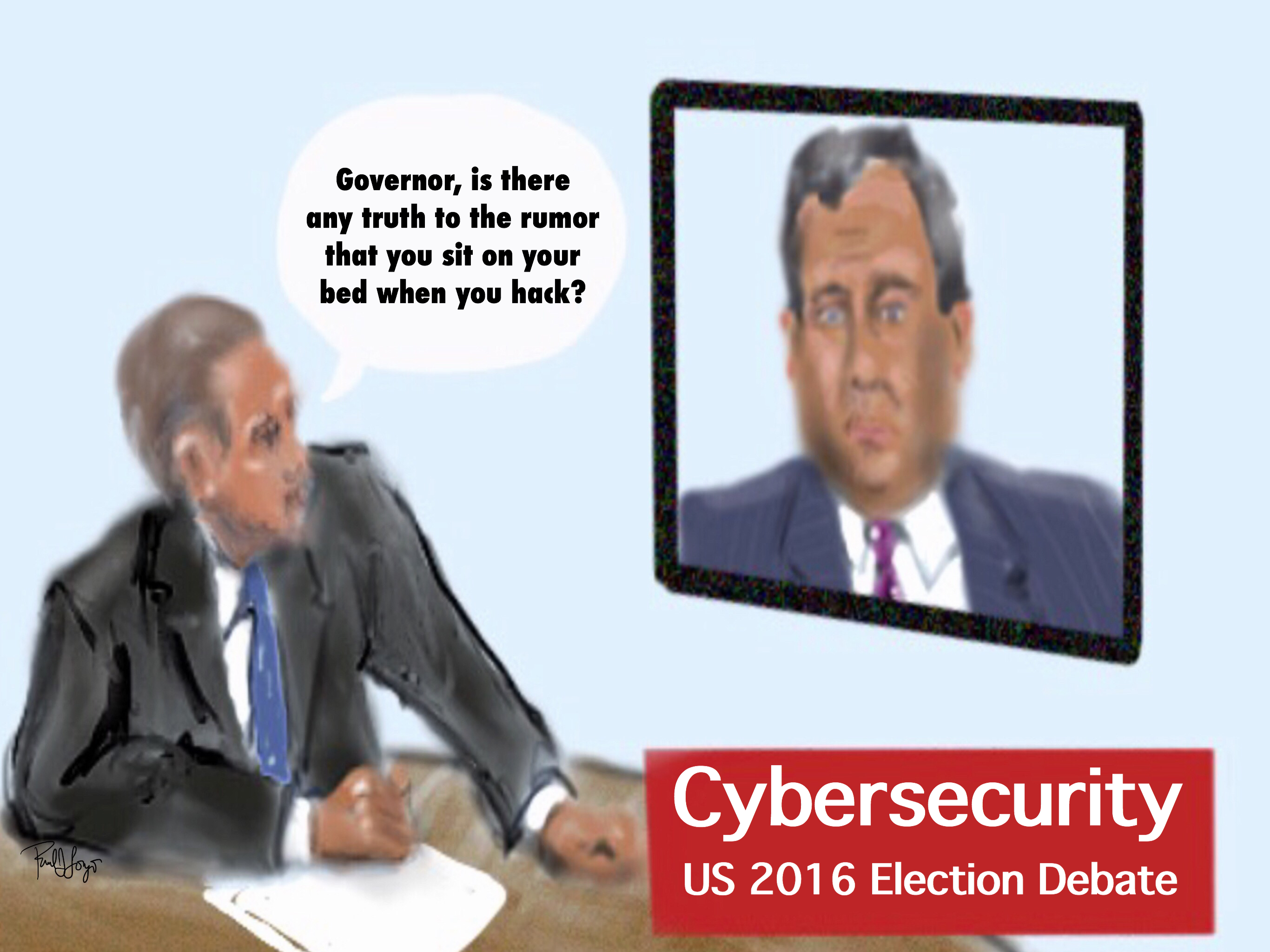
I’m seeing lots of speculation on the Internet that Trump’s friend, Gov. Chris Christie was being referred to in last night’s presidential election debates.
They’re taking over some cities and towns, intra- and extra-murally. There’s a bit of a Blue light special. Don’t get me wrong’ I generally like’me.
Click for full image: 2048 x 1536
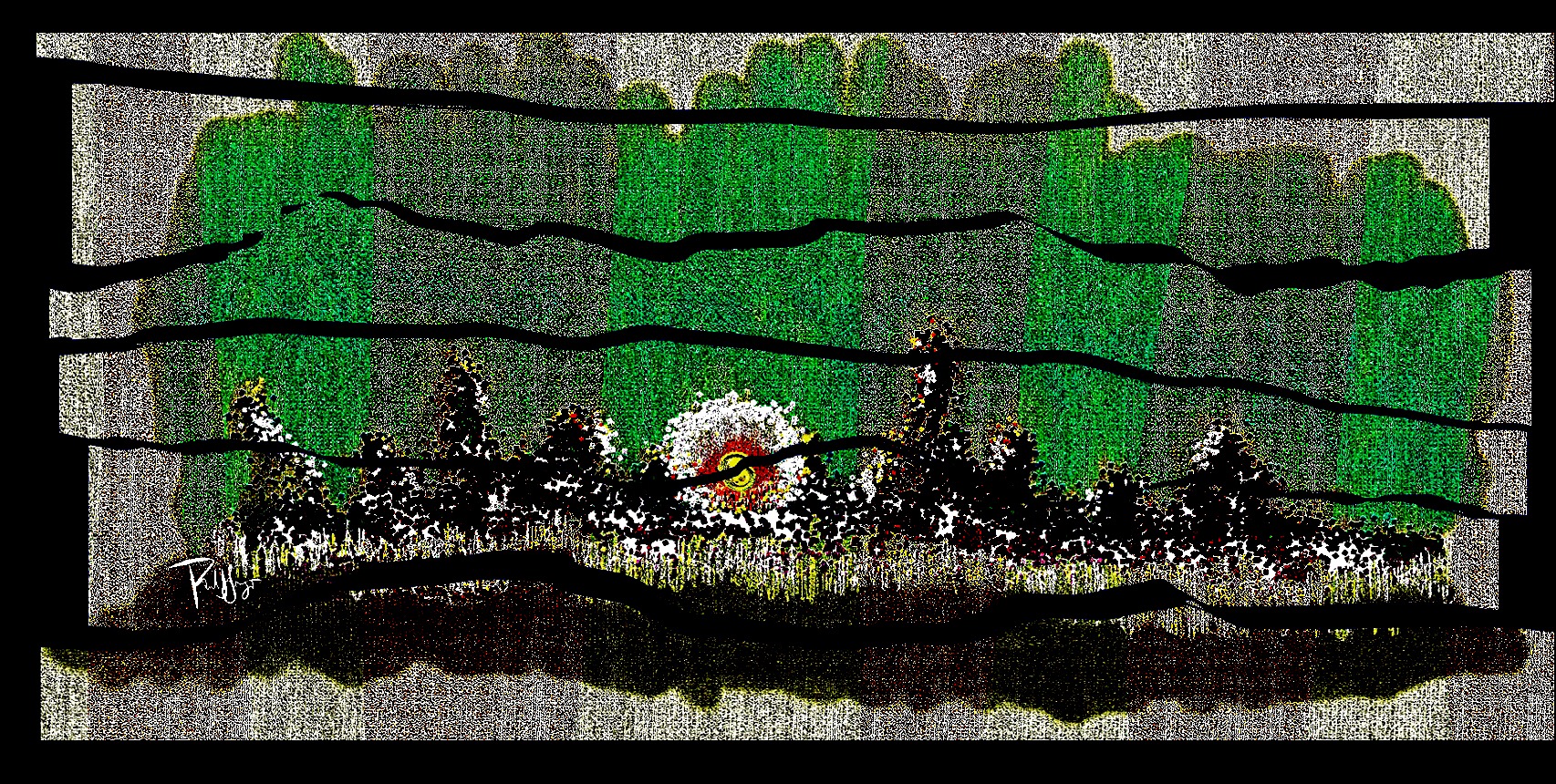
Technical: I inductively started, practically finished, and penultimately exported as a jpeg the main drawing in Tayasui Sketches. Then I imported it three times on three different layers into Sketch Club, transforming it twice for placement on the opposing walls. In Sketch Club it’s pretty easy to “transform” images without much interference in positioning. I accommodated the layers in Sketch Club by erasing here and smudging there. Then, finally, I sharpened the exported composite image in iColorama.







 portfoliolongo