
As I mentioned in a previous post, click here for details, I’ve been gearing up to teach digital (iPad) art as an “enrichment” component in select classrooms that may or may not be near you. It’s a public school setting, so obviously I can’t be peddling my own ideological biases in any way, shape, or form, but that’s only the tip of the iceberg.
I originally proposed Paper by 53 and Tayasui Sketches as the drawing/painting apps that I’d use; however, both of them scored so low in the student-privacy-protection evaluation that I had to come up with 2 substitutes. We ended up with Procreate, the full version, and the “educational” version of Autodesk SketchBook. I’m somewhat familiar with SketchBook Pro; it’s comparable to Procreate, but SketchBook for Education has fewer features. So last night I wanted to play around with those features, and this is what I managed to crank out:
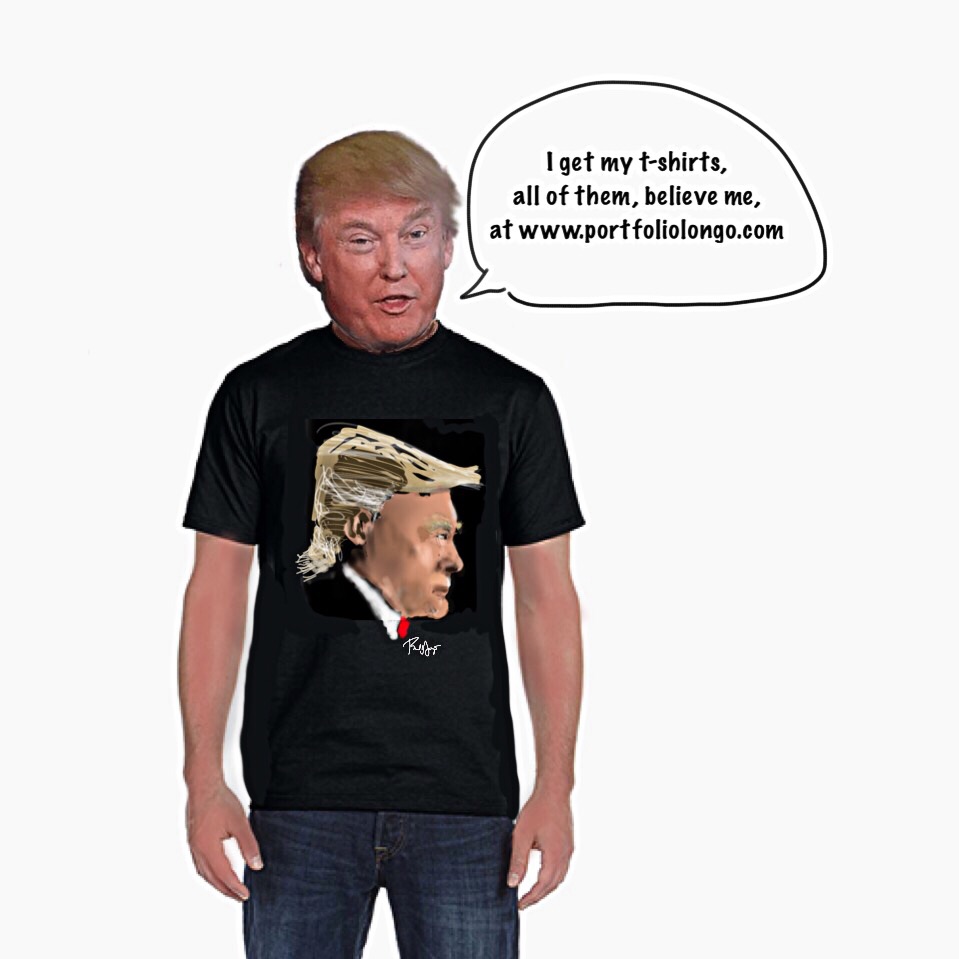
Obviously, you can import and even scan in images. It has layers. You can cut, paste, move, and resize, but you can’t distort. There’s no smudge tool and only a limited number of brushes and pens. Still, there’s more than enough to work with, and I just might start with SketchBook for Education and then introduce Procreate.
 portfoliolongo