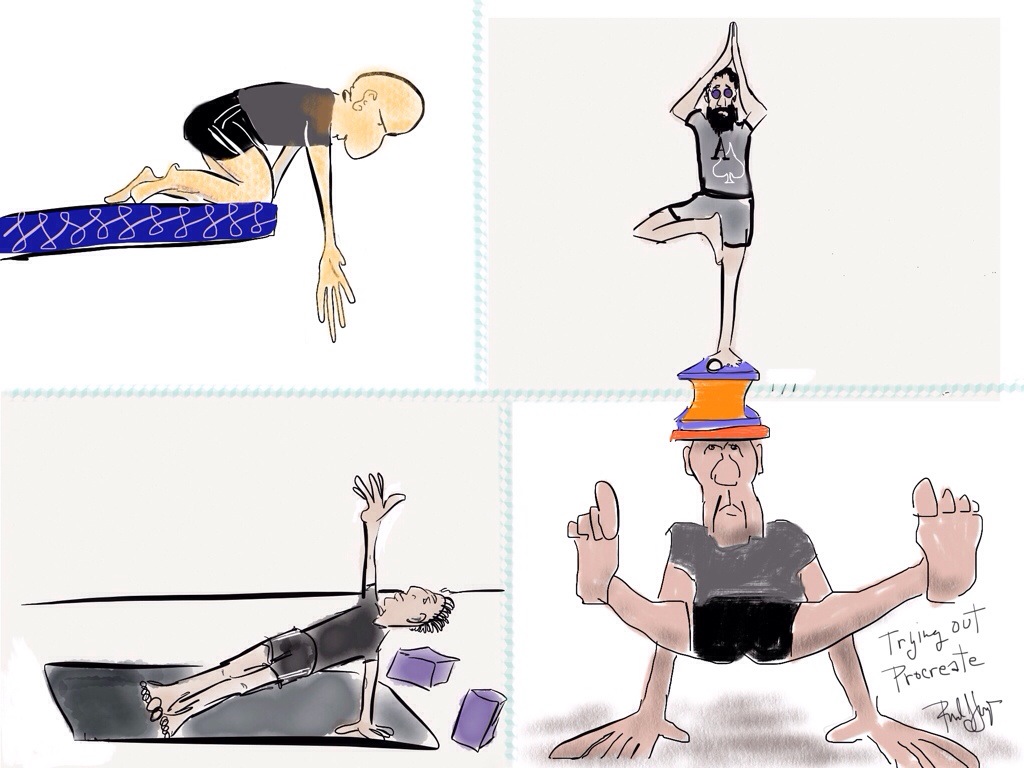
I’m actually having a dickens of a time with Procreate. There are so many different features to explore and try out that it’s throwing off my game. This one slipped through the funk:


I’m actually having a dickens of a time with Procreate. There are so many different features to explore and try out that it’s throwing off my game. This one slipped through the funk:
Another version of Never Gonna Be the Same (Jan. 2010).
 ← Click to enlarge
Click to play↓
Music: 12 String Taylor guitar, open G tuning, composed by Plongeaux in NOLA, Jan. 2010 just before the Saints won the Super Bowl.
Video: iMovie, Photo Booth, MacBook Pro
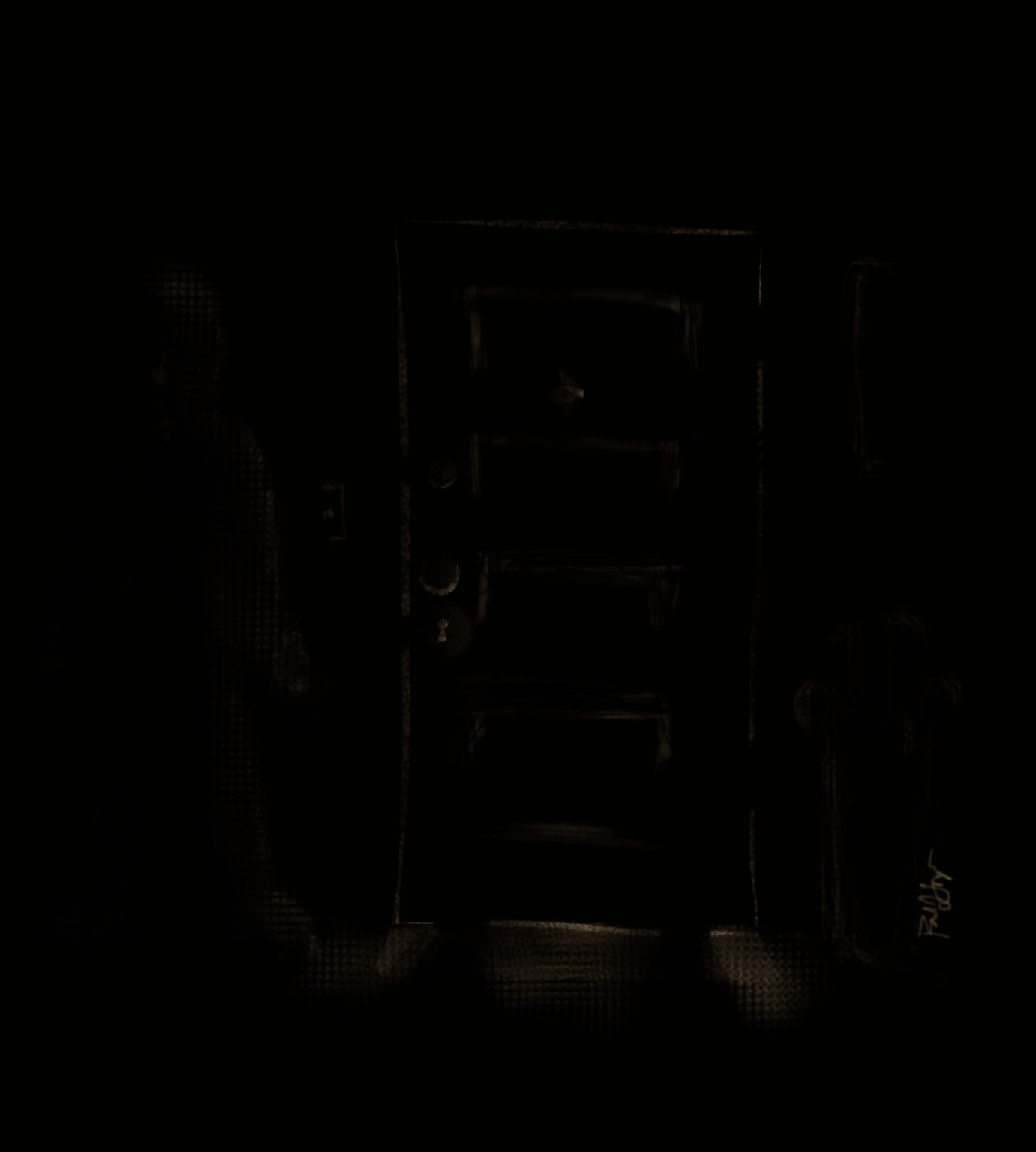
Image(s): OK, this requires some splainin’… I “grabbed” the above photo from the video, edited it in My Sketch, an iPad app, imported it into Procreate and added additional material, i.e., the dude in the doorway fucking with the lightswitch. At the end of the video, where it says visit: http://www.propriolongo.com, well, that was done in Procreate and exported as a video clip, which I then added to the end of the video.

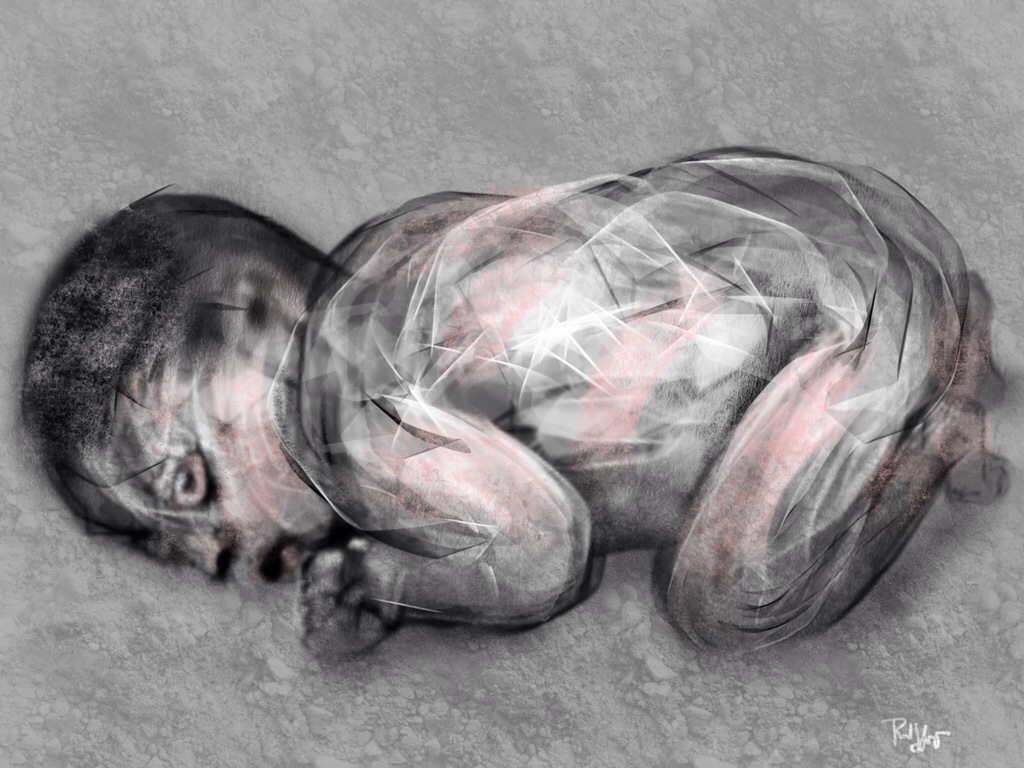
It’s the fetal position, our oldest, most common, and most familiar position. Whether you’re somehow thrown into this position or assume it voluntarily, and if you’re inclined to pray – as a believer or sometimes believer – try these four words on for size: Have mercy on us. We are not qualified to say anything more. NO EXCEPTIONS. Make little fists, no finger pointing.
Technical:
Procreate works with layers and accommodates the importation of photos. As I experiment with this iPad drawing app, I’ve been trying out some photo references, like today’s, some additional layers, some new “brushes,” and so forth. Ultimately, I deleted that layer that carried the photo and kept the others. There’s more than one way to do things…


Let him sleep.
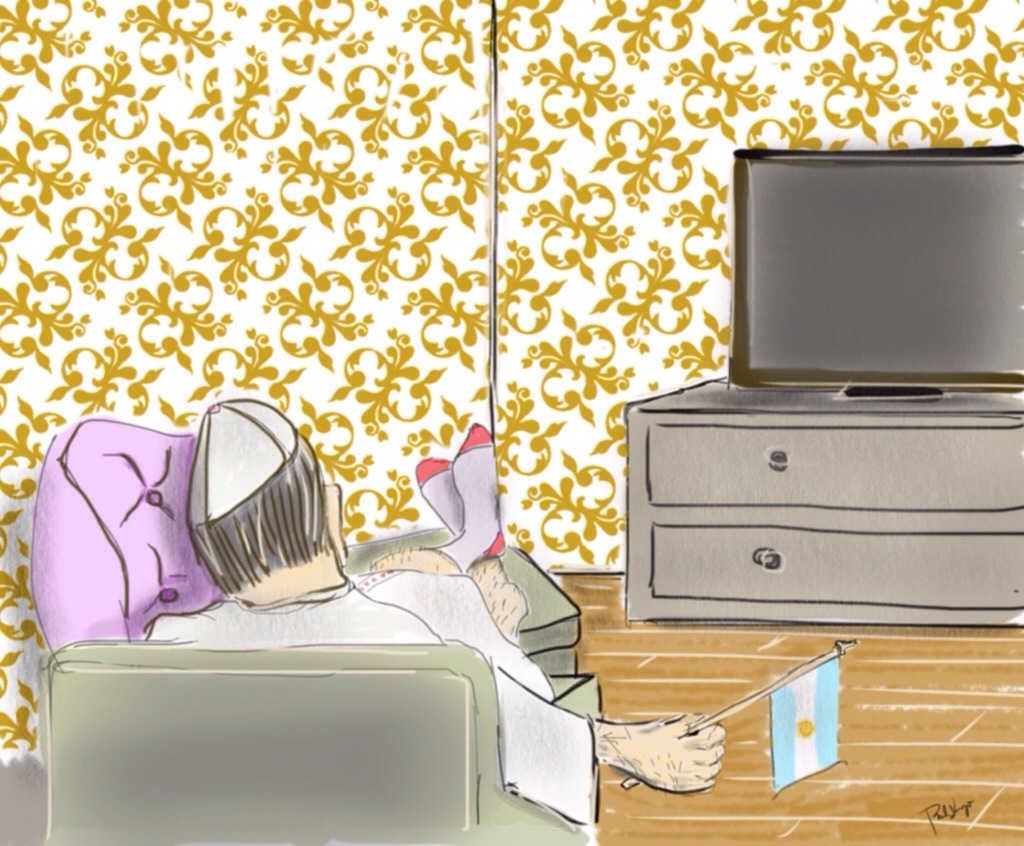
For nearly 36 years I’ve watched Dave twirl on dramatically in speech and beyond. Sometimes I chime in as though there were something to add. I’ve updated this post because of the YouTube video embedded below the image, Dave, A Sprial. The video is entitled I Wish I’d Had a Science Teacher Like This. Dave is the math teacher I wish I’d had. Fortunately, he’s the friend I do have, the gentle poet who spirals on gracefully.
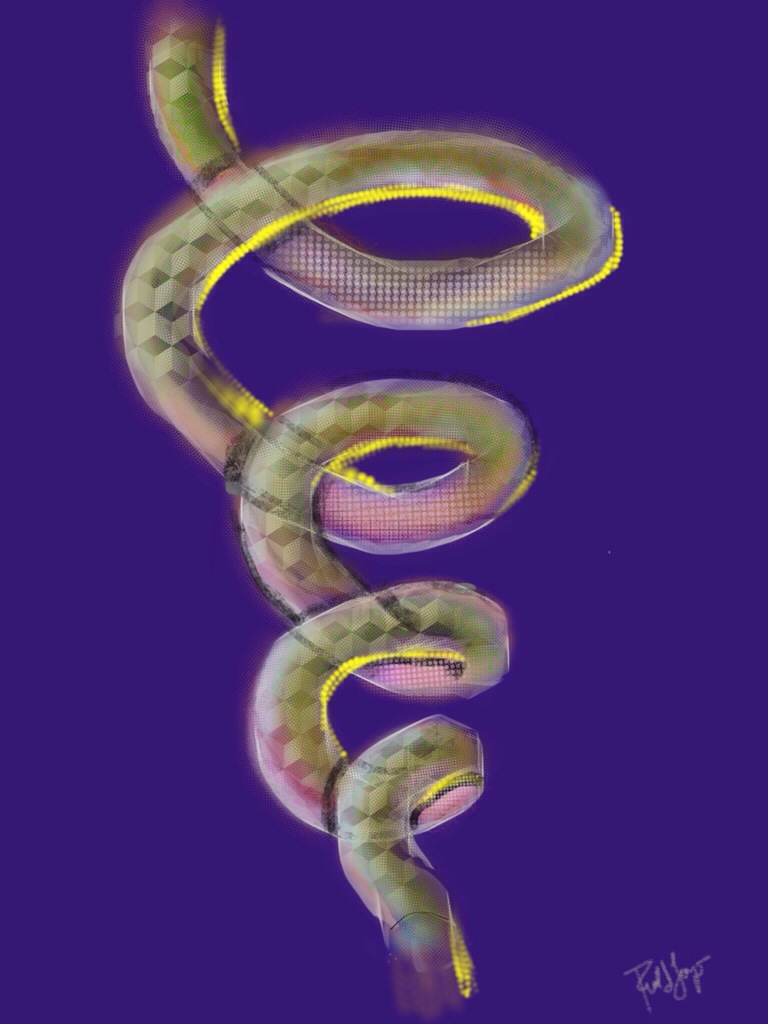
Feeling my way around in Procreate.
Playing it by ear.
Then El Duende appeared.

I downloaded/purchased ($5.99) Procreate, a new iPad drawing app for me, and in the company’s own words, “the most powerful and intuitive digital illustration app available for iPad.” It’s about time I branch out from Paper 53. Folks say Procreate is easy, but I can tell already that it’s more complex than Paper 53, which I will continue to use. Procreate makes use of layers, and photos can be imported, modified, kept or cleared away.
My decision was based on comments and recommendations from other iPad sketcher types. I hope I’ll be able to access a few tutorials from a 12 yr. old instructor on YouTube in addition to all the other ones. Lots to learn.
Image 1of 2

Image 2 of 2 (some old, some new)
 portfoliolongo