…right in front of me, here in Merced, CA.
Based on one of the last photos I took using my iPhone the other day before the camera went on the fritz.

Procreate, iPad Pro, Apple Pencil, iColorama
Left on R Street…
Reply

…right in front of me, here in Merced, CA.
Based on one of the last photos I took using my iPhone the other day before the camera went on the fritz.
Procreate, iPad Pro, Apple Pencil, iColorama
Sketch Club, iPad Pro, Apple Pencil
INSTRUCTIONS; The next blue blotch surrealist challenge. Take this shape (framed image on left) flip it, rotate it, until you see something. Then, paint what you see on your mobile device and post your creation in the comments below. (Mobile Arts Collective, Facebook)

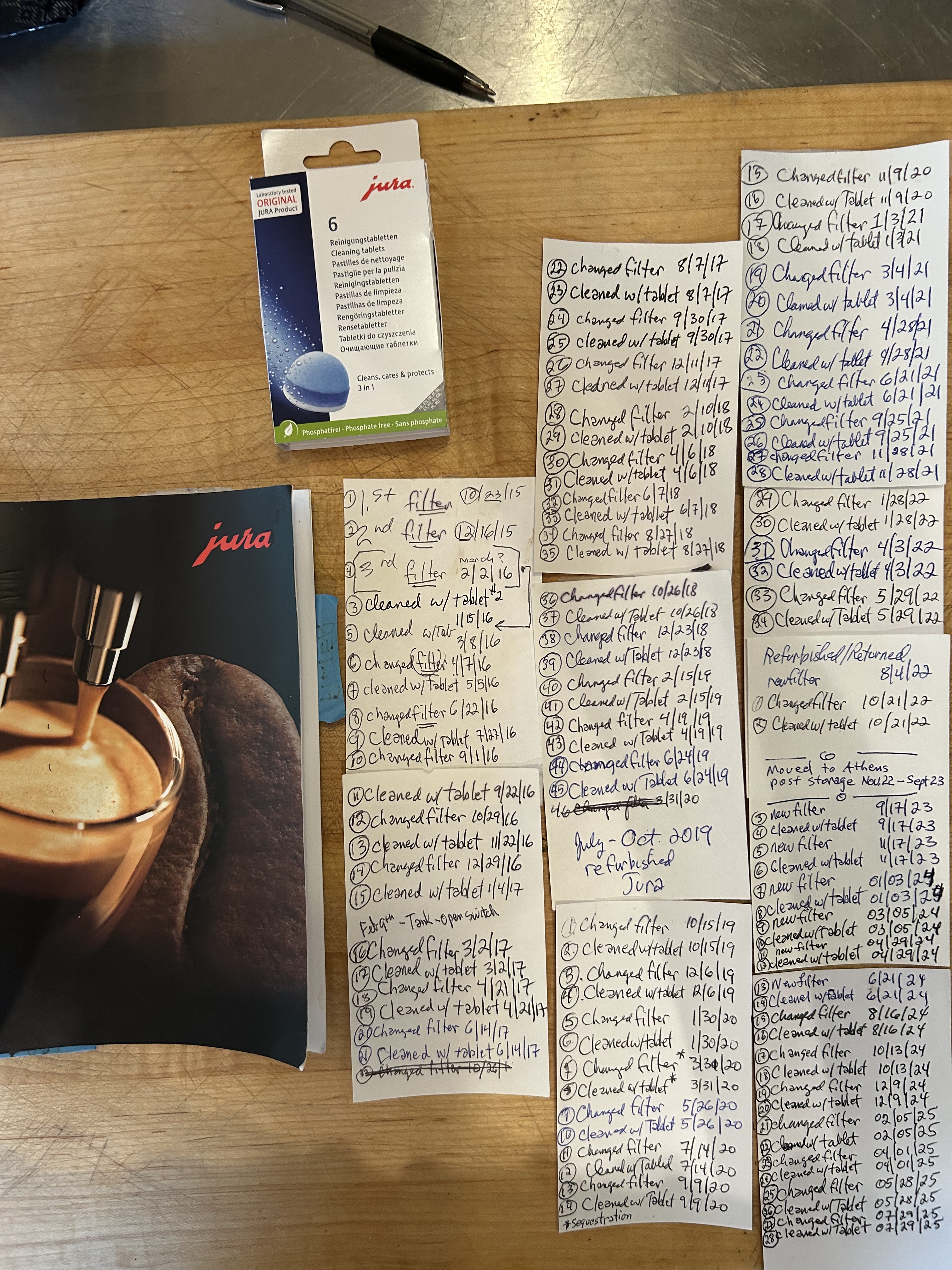
Update: July 29, 2025. Our Jura coffee maker is now 10 years old, so I’m adding a couple of photos below that might help tell the story about what I’ve been doing every 3 months or so to enjoy coffee this way.

Procreate, Apple Pencil, and finger…lots of finger.
I’m still getting the hang of the Apple Pencil, especially in the iPad (Pro) drawing app, Procreate. At this point my biggest complaint is that the Apple Pencil is very reluctant, were I to anthropomorphize it, to “pick colors,” that process of touching down on existing colors to select a given color. There are other wrinkles that I’m hoping I can iron out as well. So it’s hit and miss here and there…practice, learning, identity change.
Incidentally, the Jura Impressa C65? Yes, that’s the way to go. Nuff said.
Special thanks to Seth Watkins at Pinhook Farms in Clarinda, IA for the coffee mug.
And now…the updated, 10th-anniversary photos: 2015-2025

When you move a lot, you get used all the same and some new things being rearranged here and there, as I’ve tried to report on elsewhere. Light switches, pots and pans, basket for car keys, etc.. Used to be here somewhere, now they’re over there somewhere. Well that’s what’s going on with the introduction of the Apple Pencil. Some things work just the same way, some things work differently, some things work better, some things don’t seem to work, some things take 3 or 4 clicks before they start working. Sometimes you have to jiggle the handle to stop the toilet from filling. But let’s face it, $99.00 helps to coax out the motivation.
I went downtown for a beer and some digital drawing time. I drew and sipped, sipped and drew, learned a little, and cranked this out using a photo reference in a side by side manner:
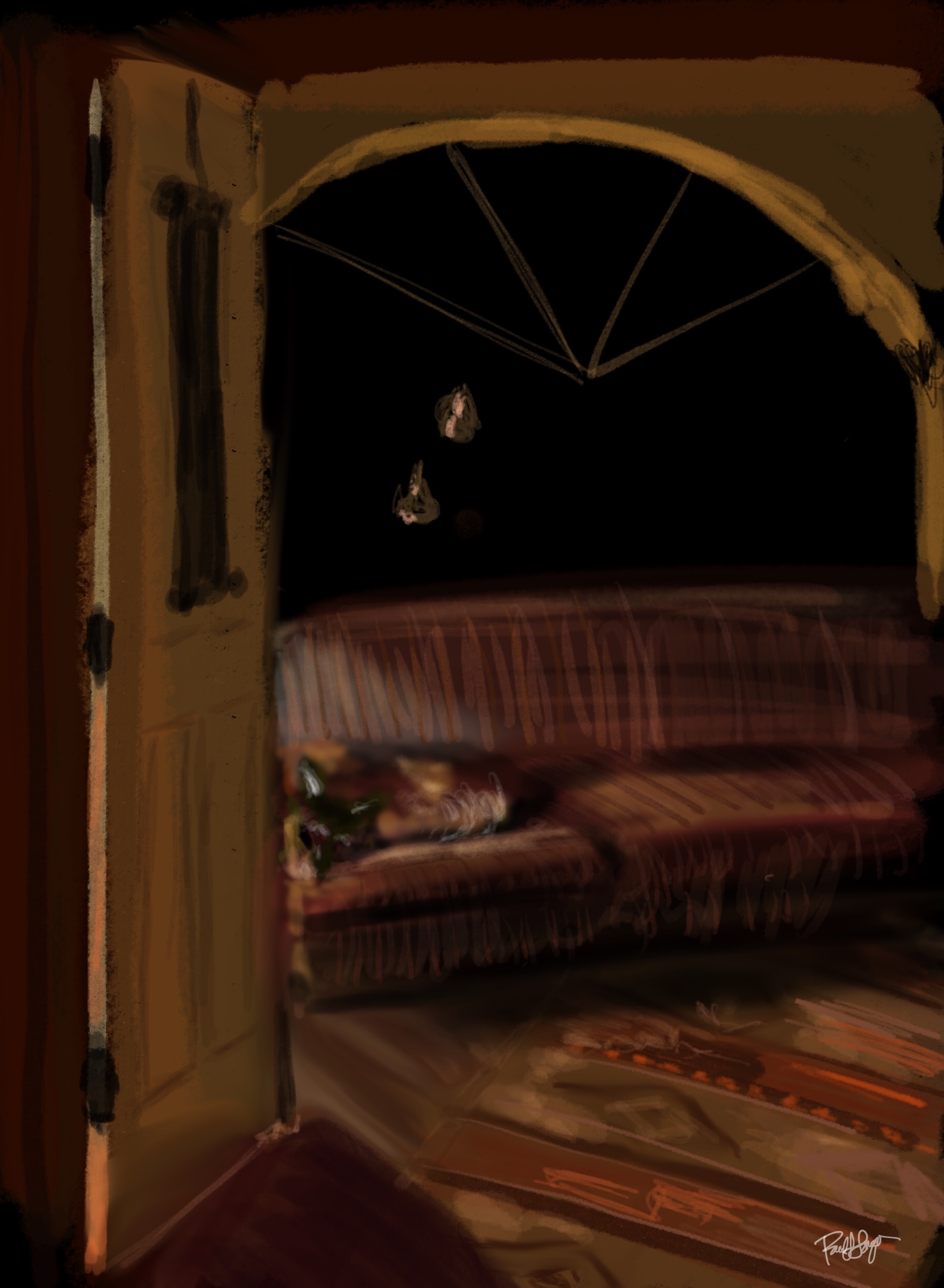
Cowboy in Ann”s Office at night
iPad Pro, Apple Pencil, Procreate
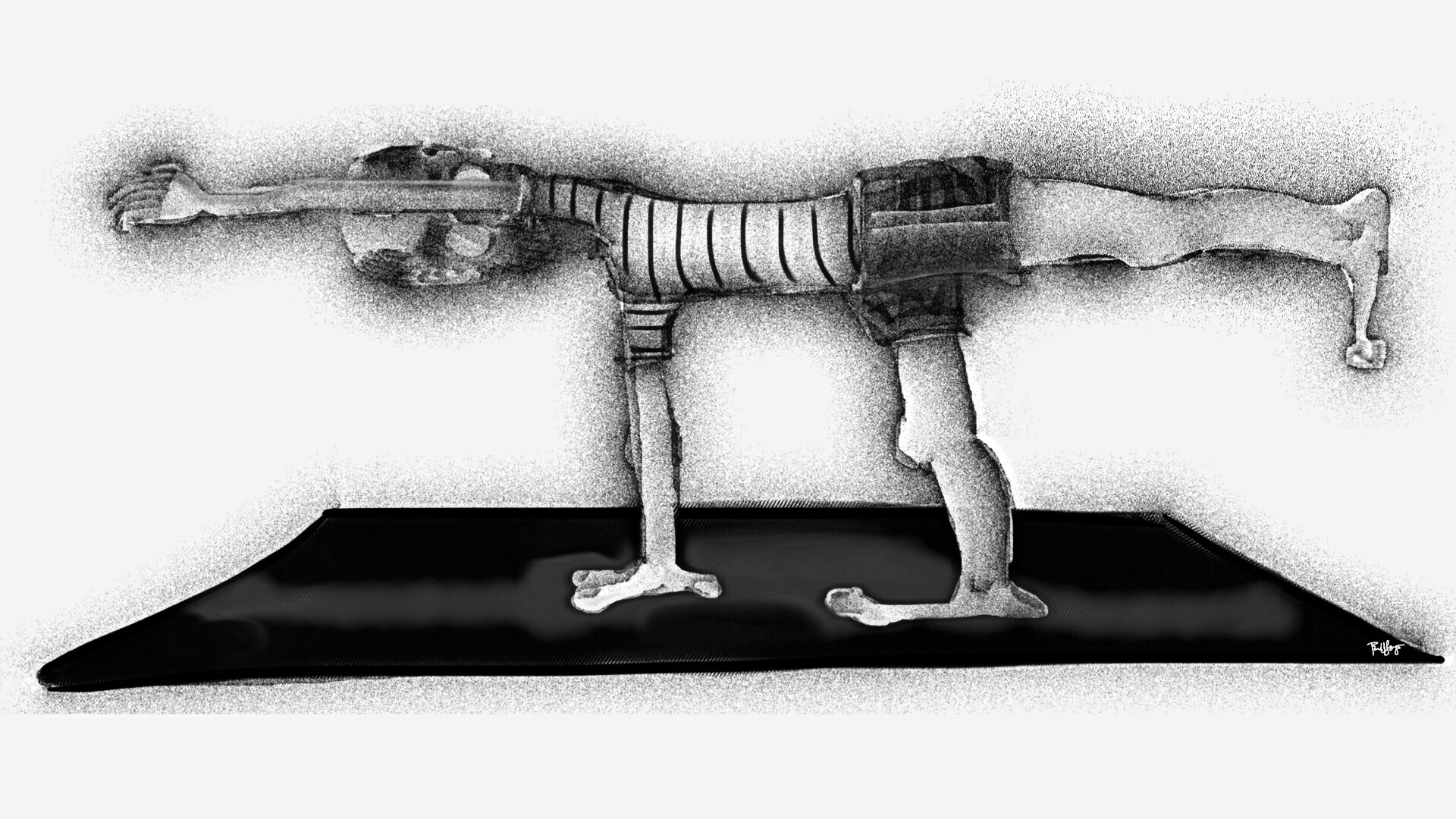
Sketch Club, Procreate, iColorama, Sty-HD stylus (Apple Pencil on back order), iPad Pro, Octo Spider Monkey on belly.
I mean it. This guy just keeps on getting up and playing even harder!
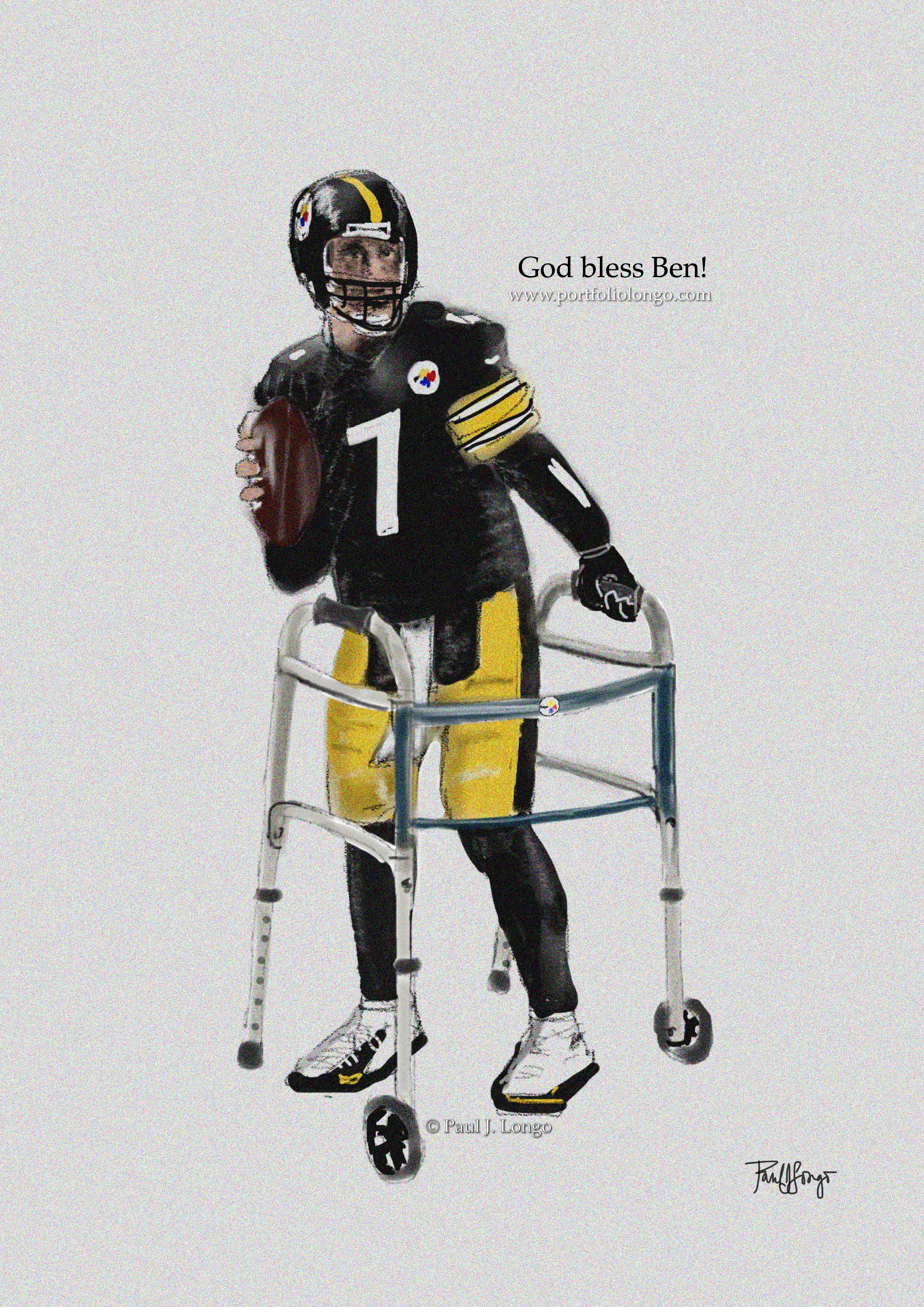
Free hand using this reference photo in Sketches, Procreate, Phonto, with Sty-HD stylus on an iPad Pro.
Sketch Club, Procreate, iColorama, Sty-HD stylus, iPad Pro
(Apple Pencil on back order)
It”s big, alright! I had to take it out for its first spin around the block using Paper 53. I think I’m going to like it a lot.

 portfoliolongo