A guy like that with hair and a tie like that…iPad Pro, Apple Pencil, Procreate, iColorama (paper texture)

Click on image to enlarge

A guy like that with hair and a tie like that…iPad Pro, Apple Pencil, Procreate, iColorama (paper texture)
Click on image to enlarge
There’s been a guitar – or two – in my life for a half a century.
On a weekend visit from college in the late sixties my big brother brought home the first guitar I had ever handled. He could tell I really liked it. A couple of years later he gave me that guitar!
These kinds of drawings are so weird. I started it with a left hand on a fretboard and no idea of how it would unfold or where it would go. It’s done now, waiting in my camera roll for me to insert it into this post; and now my heart is overflowing with emotional memories.
My brother was a central, nearly heroic figure for me throughout the first ten years of my life; actually, that hasn’t changed. Back then, by the time my periscope was up high enough for me to appreciate him as my brother, he was already making plans to go off to college; oh, and this devastated me. I remember an exchange we had one evening in the nearby church parking lot while shooting hoops. As he outlined some of the highlights of this plan, the football scholarship, the name and location of the university, and so on, I burst in tears and tried my best to put into words why this was all so unacceptable. Looking back, I knew he understood because he found a way to help me understand how I could manage without him between visits home and why it was the right move for him to make at that time in his life.
So when he gave me that guitar, he gave me a part of his heart that has been a part of my heart for fifty some odd years…and counting.

Made with Paper by Firth Three on an iPad Pro with an Apple Pencil
Somg 35 odd years ago in Pittsburgh, PA I learned an expression that came to mind the other day while I was stopped dead in my tracks heading west on Olive Avenue in Merced, CA. “The shortest distance between two points is under construction.” The expression has come up before on this illustroblog, click here for further details.
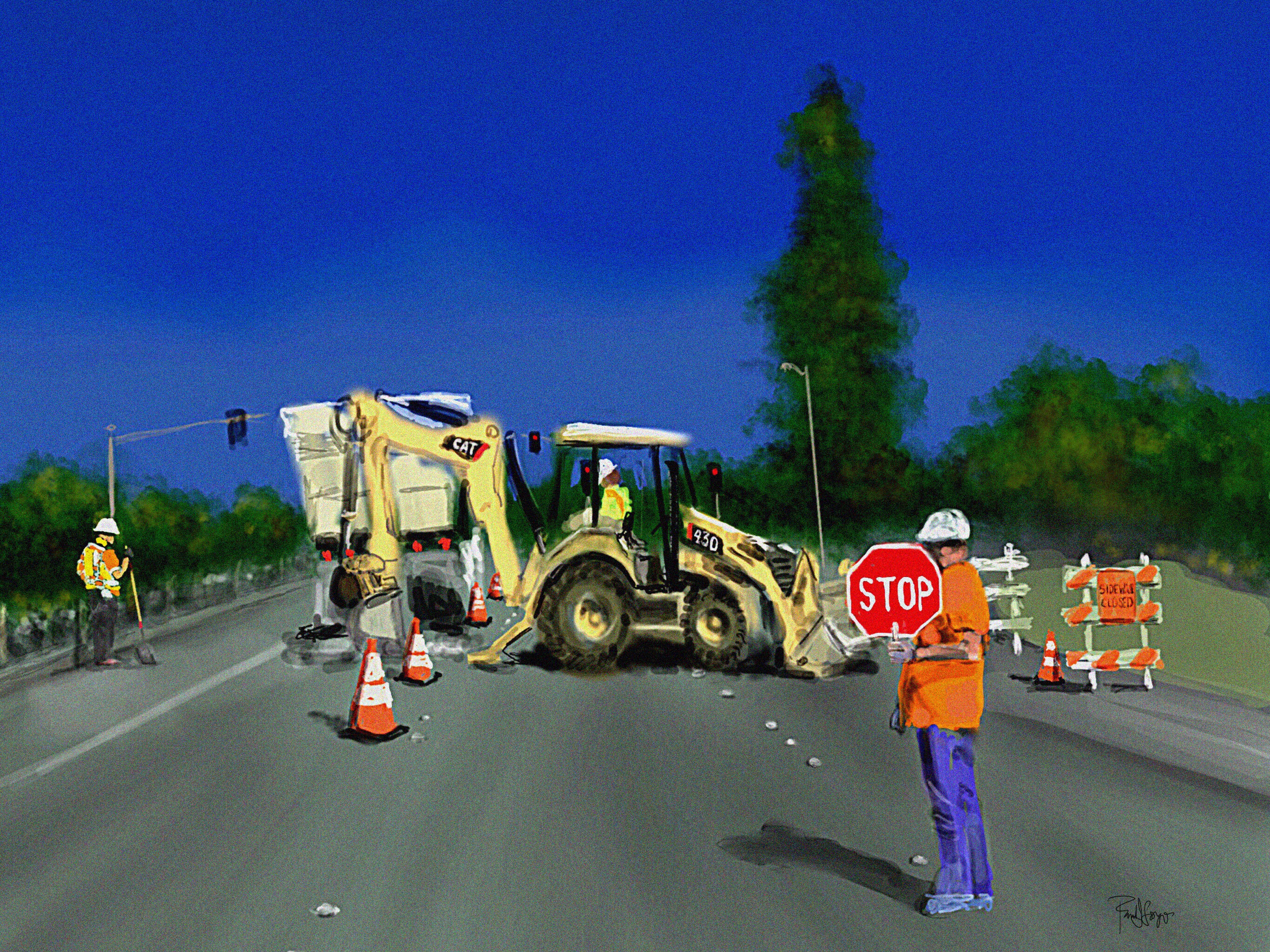
click on image to enlarge
I used an iPad Pro with Apple Pencil in Procreate on this.


iPad Pro, Apple Pencil, Procreate
I’ve begun a formal process, one that I’ll elaborate on in due time. Suffice it to say that this process requires some reflection, and that this illustration is an autobiographical by-product of that reflection. I won’t include any analysis of this real event in my life at this particular point, but I do hope to so as soon as I’m able to coax out a pattern or two.

This drawing was done on an iPad Pro using an Apple Pencil and Paper by Fifty Three.

Started this one off in Paper by Fifty Three, brought it into Procreate for reconstructive surgery, sharpened it in iColorama, and added the text in Phonto.

Click on image to enlarge to full sixe
Procedural stipply in Sketch Club and a touch of iColorama on iPad Pro w/ Apple Pencil. Per omnia saecula saeculorum. Amen
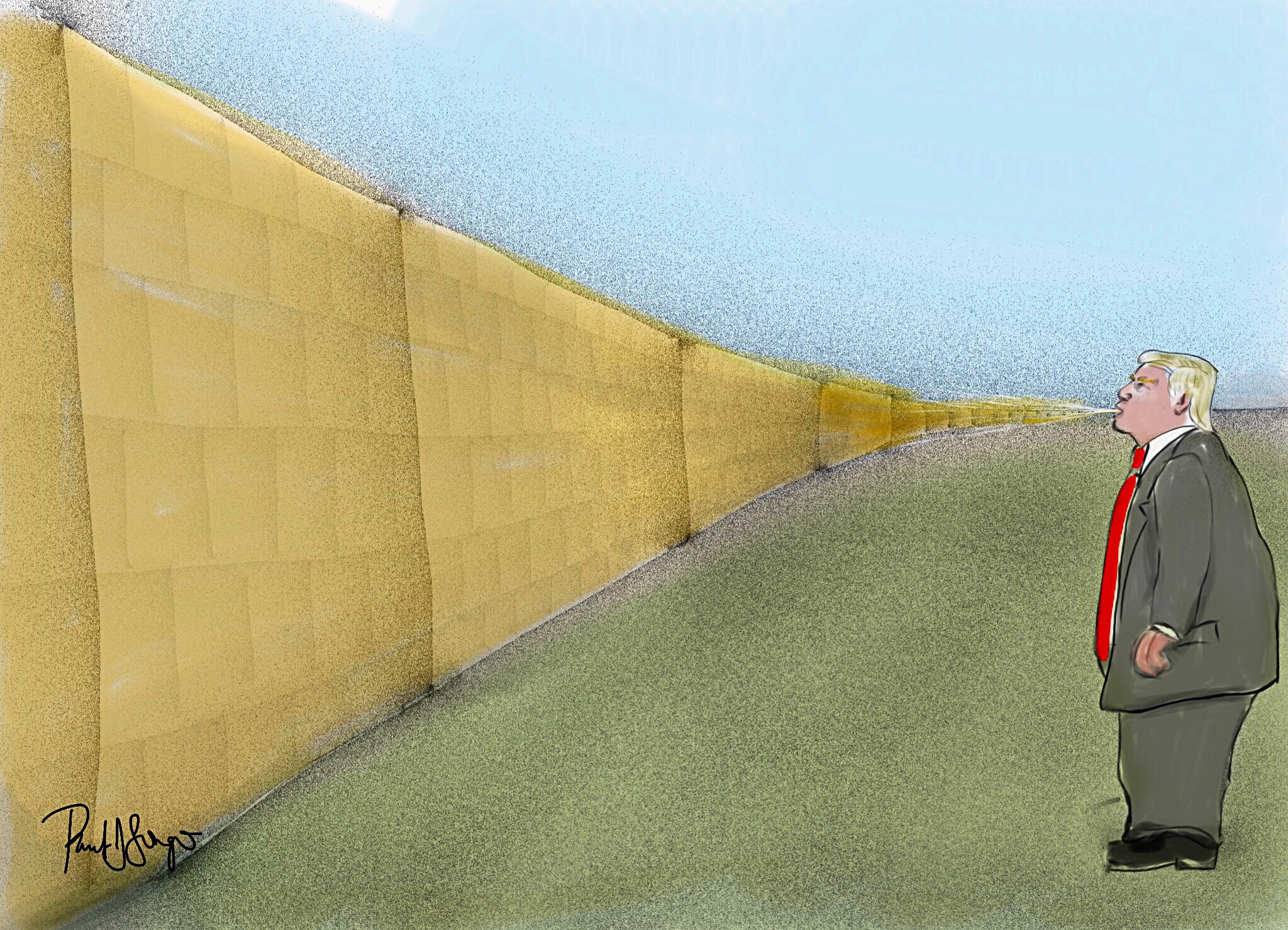
Mostly Sketch Club with a little Procreate and iColorama on an iPad Pro with Apple Pencil
As I mentioned in a previous post, click here for details, I’ve been gearing up to teach digital (iPad) art as an “enrichment” component in select classrooms that may or may not be near you. It’s a public school setting, so obviously I can’t be peddling my own ideological biases in any way, shape, or form, but that’s only the tip of the iceberg.
I originally proposed Paper by 53 and Tayasui Sketches as the drawing/painting apps that I’d use; however, both of them scored so low in the student-privacy-protection evaluation that I had to come up with 2 substitutes. We ended up with Procreate, the full version, and the “educational” version of Autodesk SketchBook. I’m somewhat familiar with SketchBook Pro; it’s comparable to Procreate, but SketchBook for Education has fewer features. So last night I wanted to play around with those features, and this is what I managed to crank out:
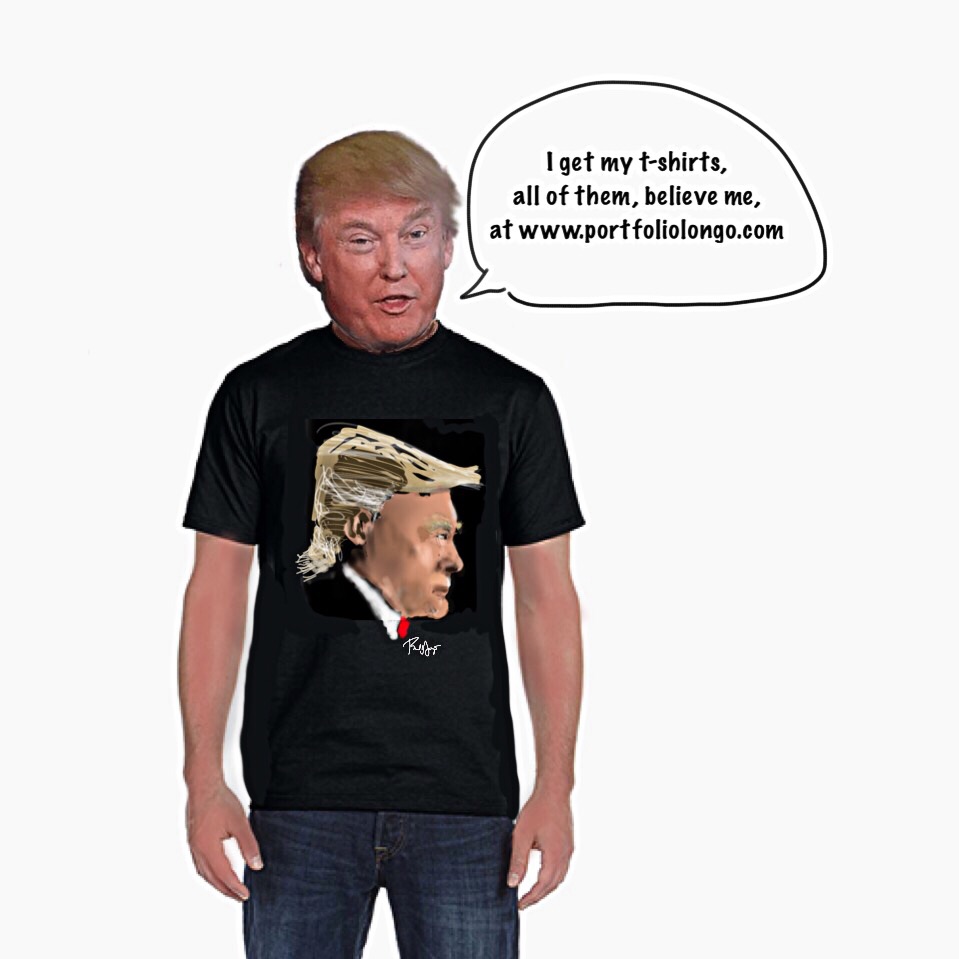
Obviously, you can import and even scan in images. It has layers. You can cut, paste, move, and resize, but you can’t distort. There’s no smudge tool and only a limited number of brushes and pens. Still, there’s more than enough to work with, and I just might start with SketchBook for Education and then introduce Procreate.
 portfoliolongo