Smaller by the day. I’m
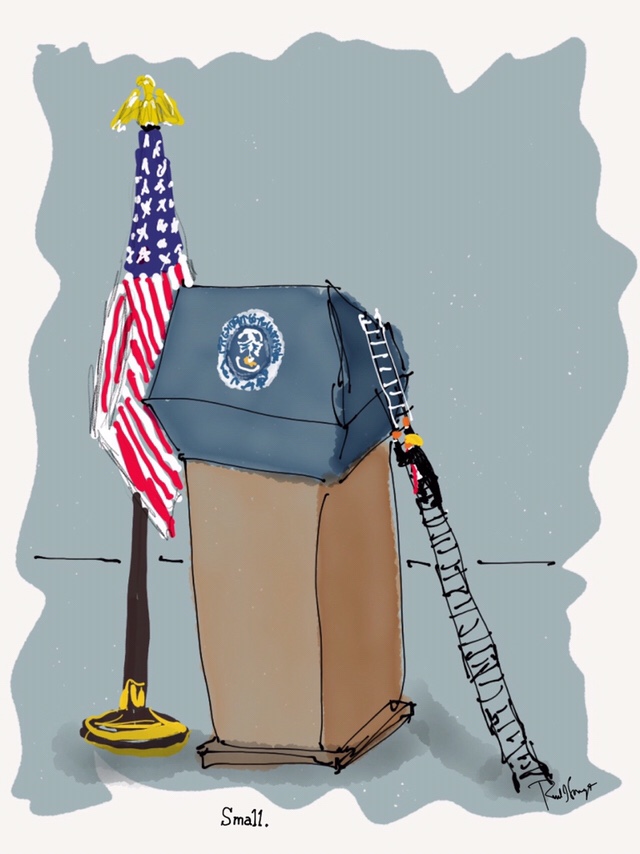

Smaller by the day. I’m
See other toons: https://portfoliolongo.com/trump-gallery/

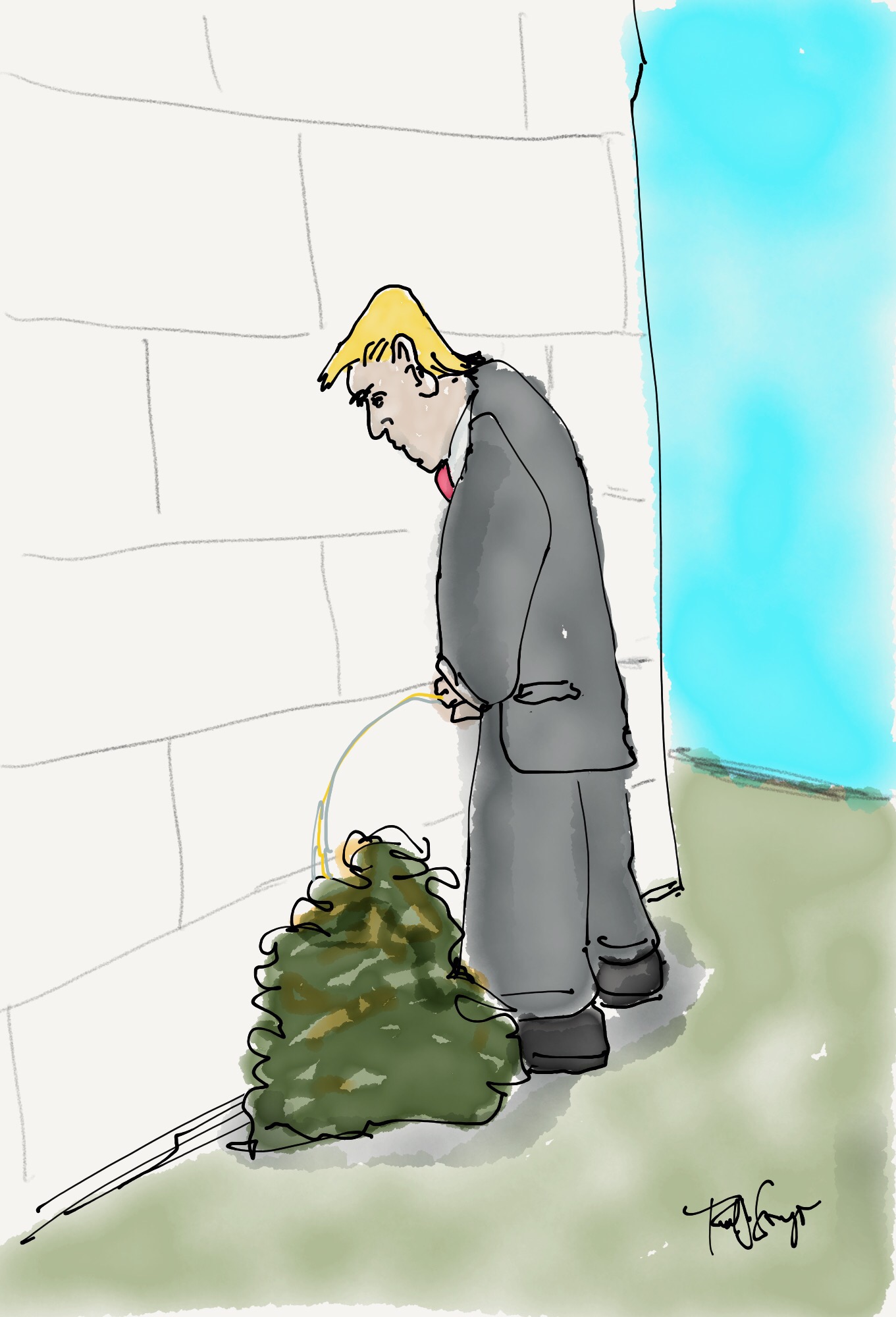
“Y’all, I ain’t backin’ down; I’m squatin’ down.” R. Moore
Click on image to enlarge
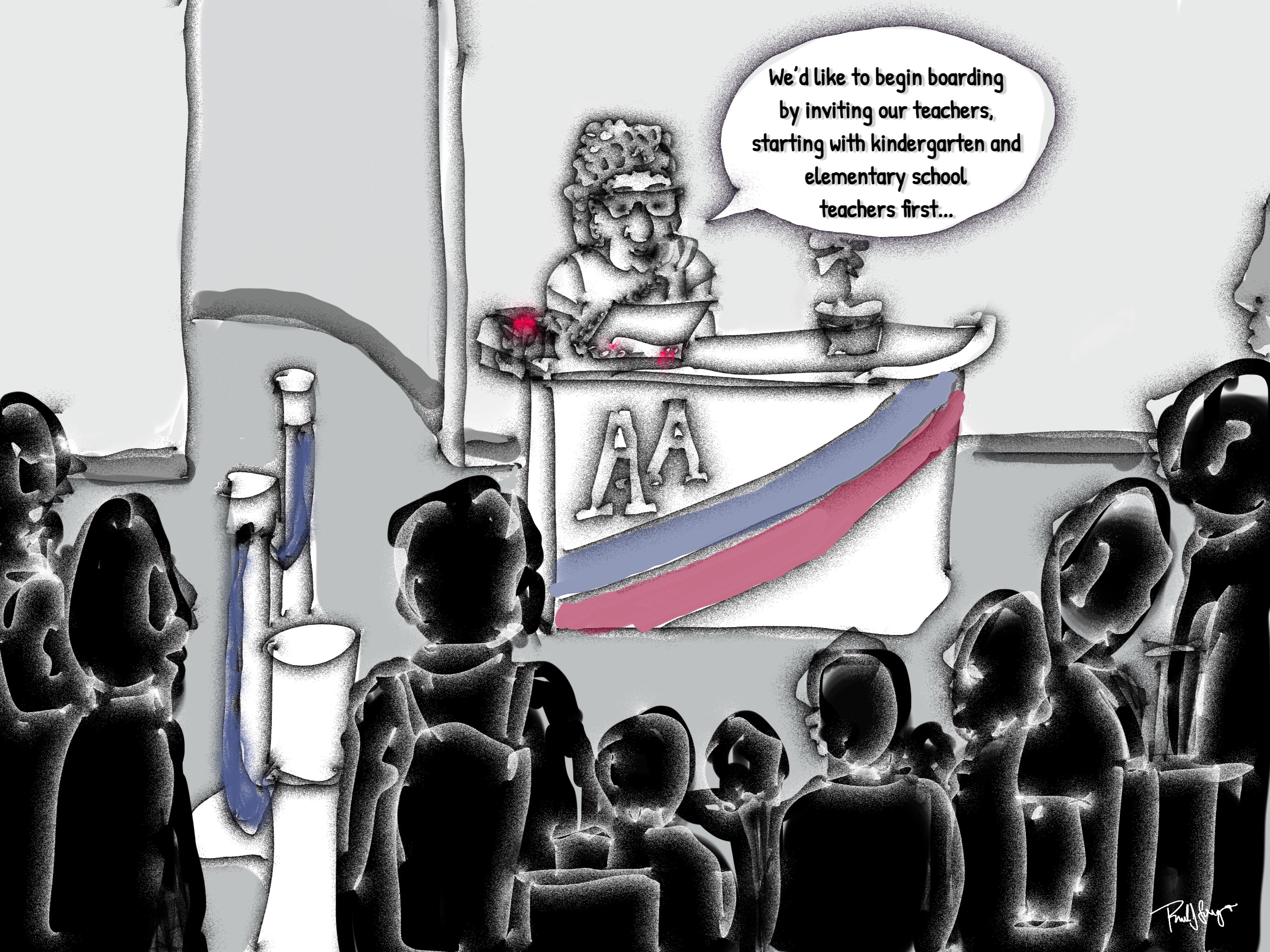
Boarding: Teachers again.
Click on image to enlarge
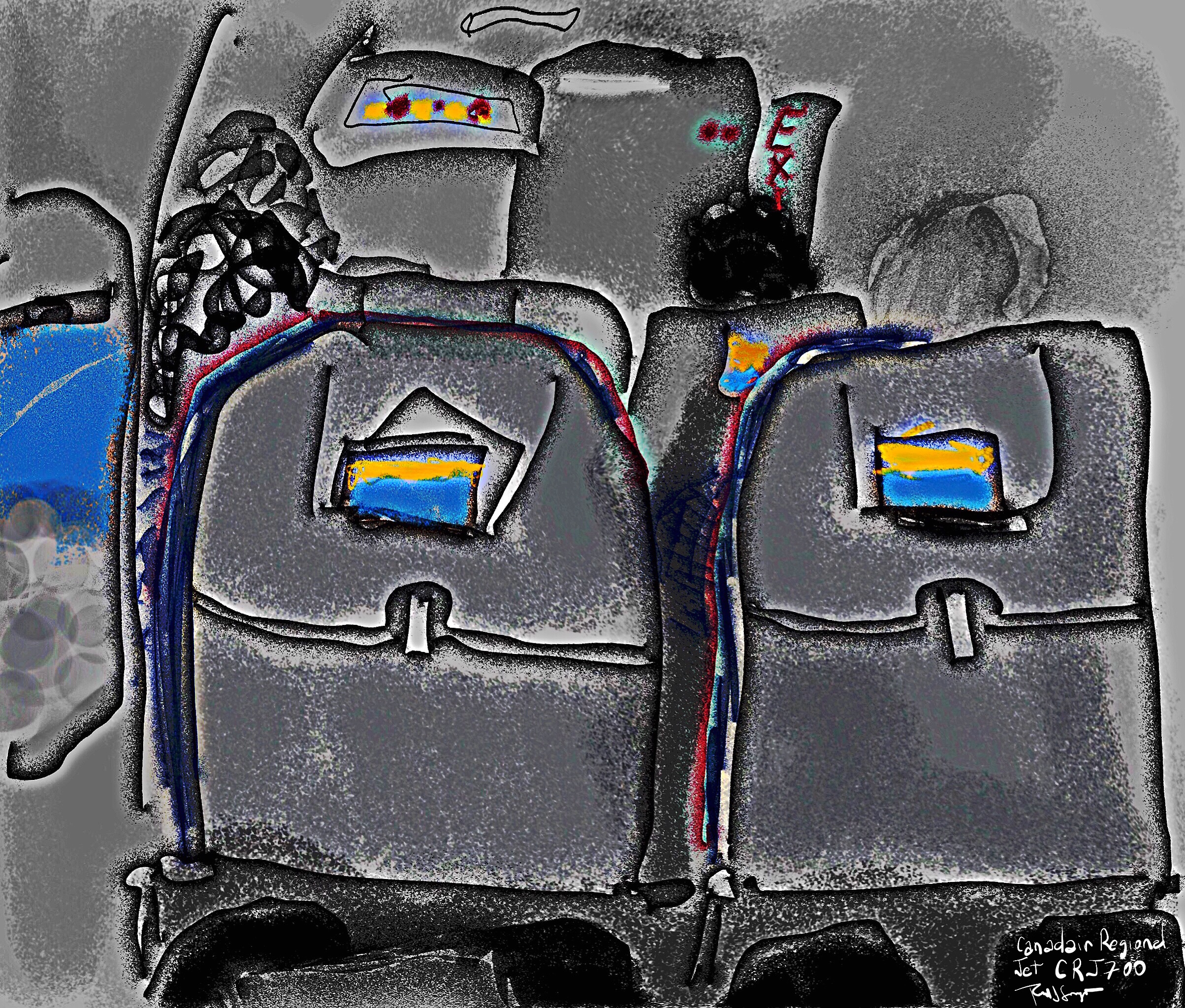
Flight Number Whatever
Click on image to enlarge
No, I’m not in your seat.

Click on image to enlarge
Zero
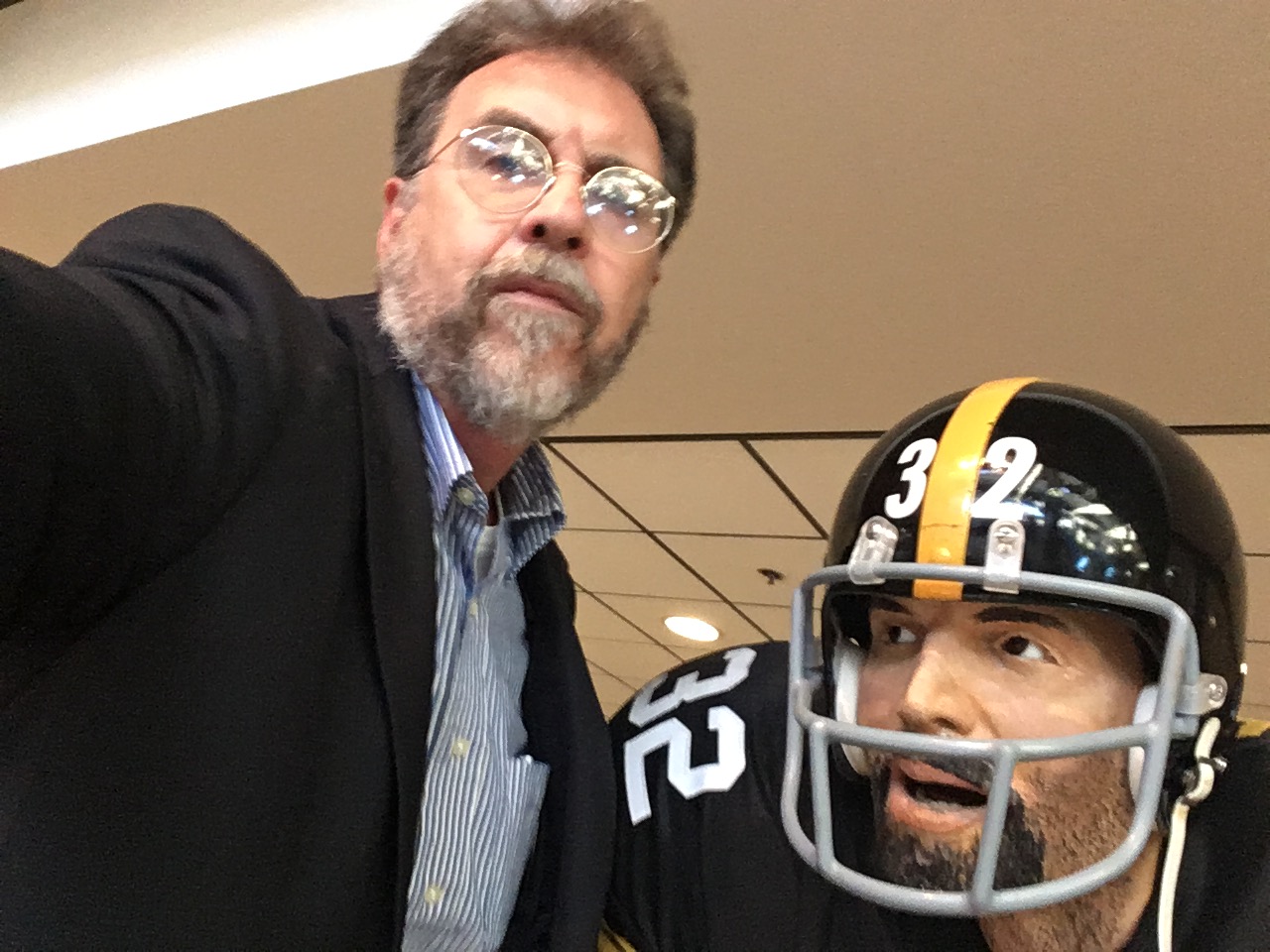
Franco and me.
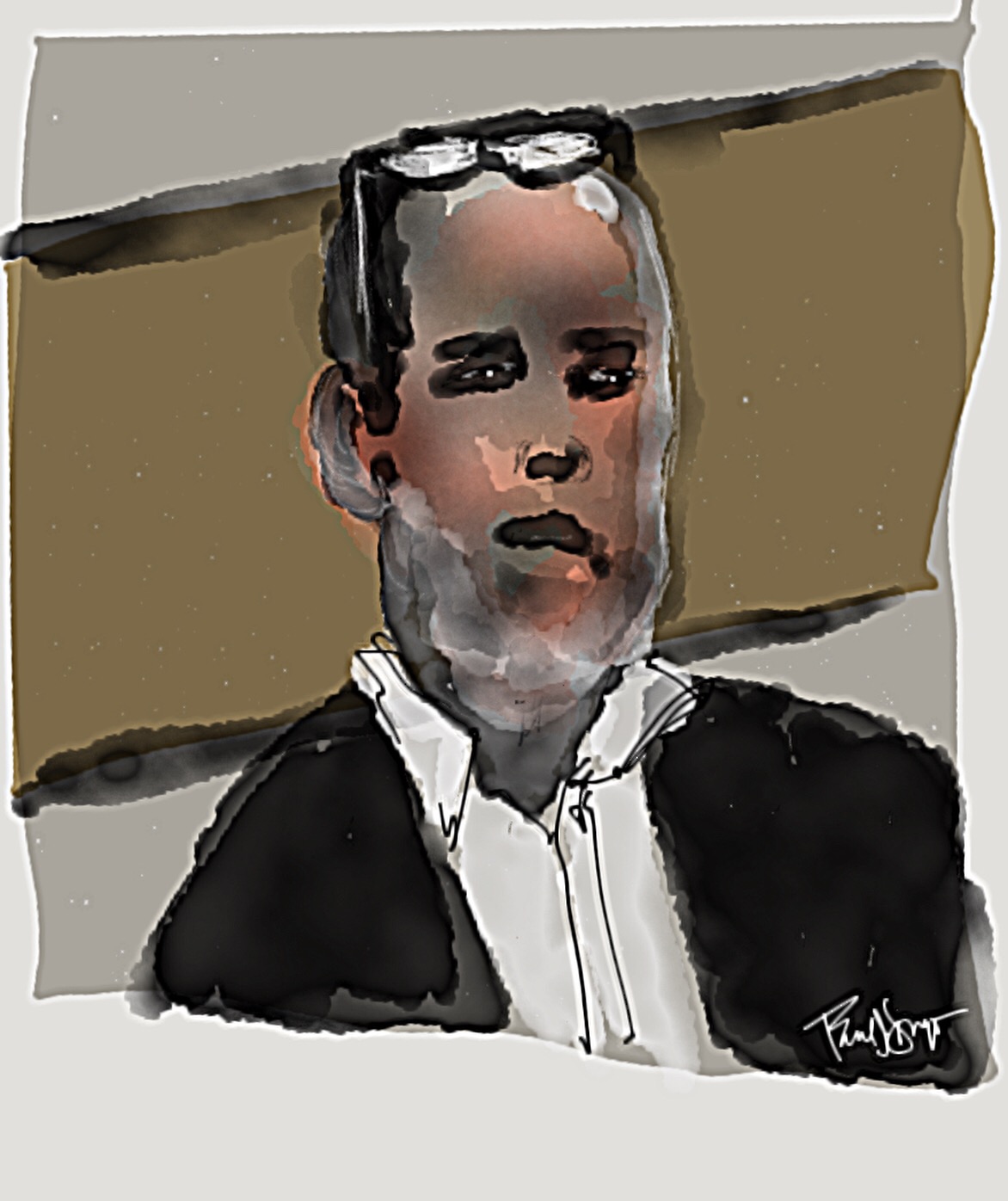
Nothing to say; except that I wish education had a greater impact than propaganda.
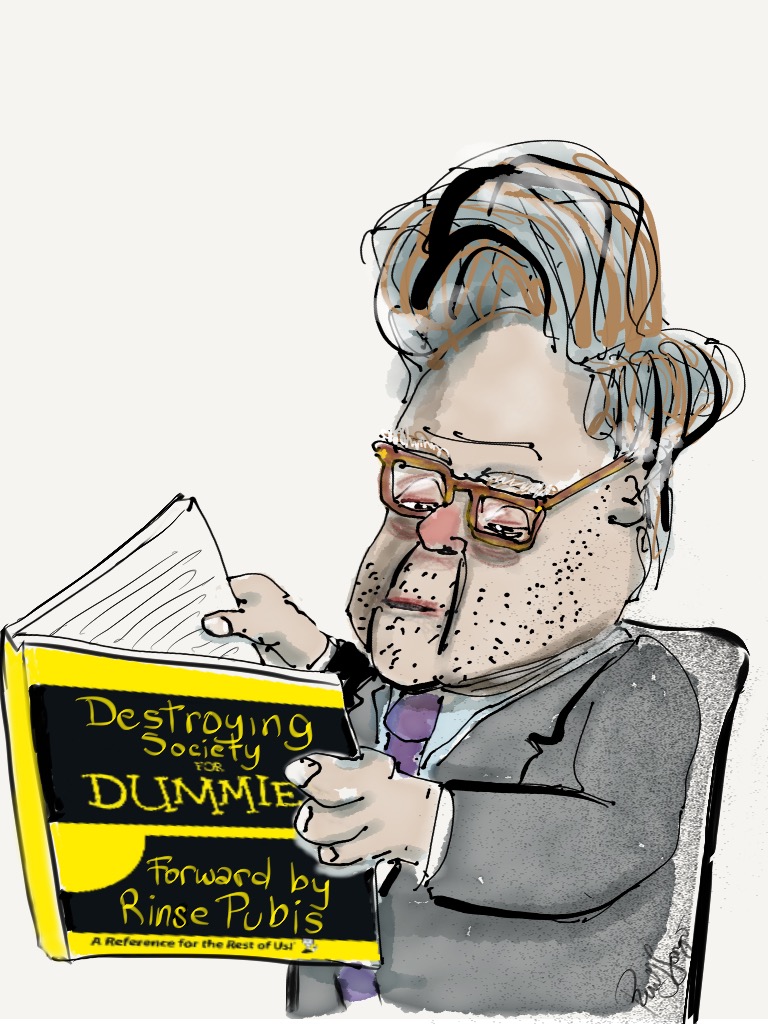
Click on image to enlarge, why bother?
…and what happens in the absence of genuine education, when propaganda and marketing hollow out one’s voice… [prompted by this article shared by a friend]
“The constant lying is not aimed at making the people believe a lie, but at ensuring that no one believes anything anymore. A people that can no longer distinguish between truth and lies cannot distinguish between right and wrong. And such a people, deprived of the power to think and judge, is, without knowing and willing it, completely subjected to the rule of lies.
With such a people, you can do whatever you want.”
—Hannah Arendt, German historian and philosopher (1906–1975)

Reference photo source: click here.


Started this one off in Paper by Fifty Three, brought it into Procreate for reconstructive surgery, sharpened it in iColorama, and added the text in Phonto.
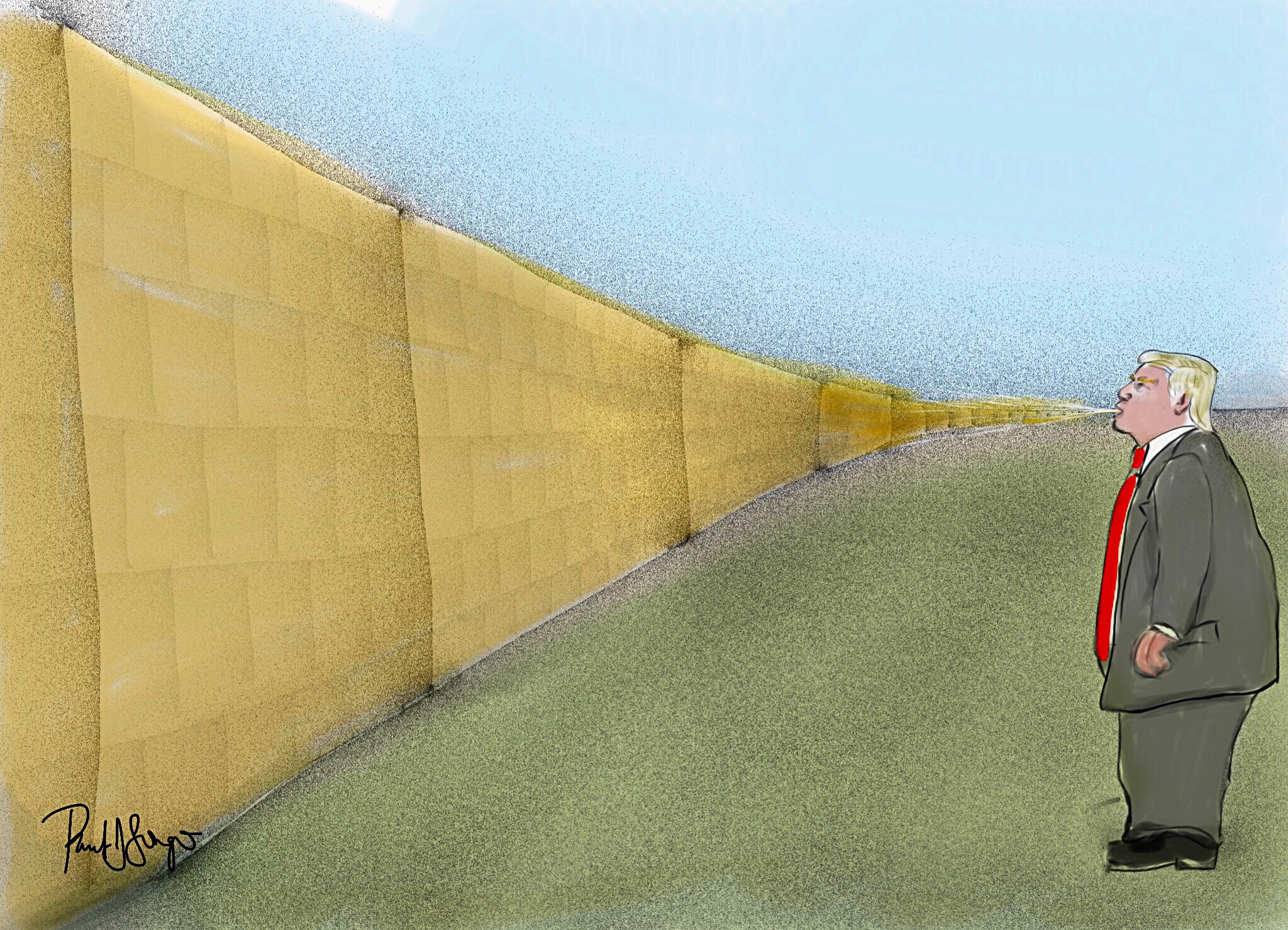
Mostly Sketch Club with a little Procreate and iColorama on an iPad Pro with Apple Pencil
As I mentioned in a previous post, click here for details, I’ve been gearing up to teach digital (iPad) art as an “enrichment” component in select classrooms that may or may not be near you. It’s a public school setting, so obviously I can’t be peddling my own ideological biases in any way, shape, or form, but that’s only the tip of the iceberg.
I originally proposed Paper by 53 and Tayasui Sketches as the drawing/painting apps that I’d use; however, both of them scored so low in the student-privacy-protection evaluation that I had to come up with 2 substitutes. We ended up with Procreate, the full version, and the “educational” version of Autodesk SketchBook. I’m somewhat familiar with SketchBook Pro; it’s comparable to Procreate, but SketchBook for Education has fewer features. So last night I wanted to play around with those features, and this is what I managed to crank out:
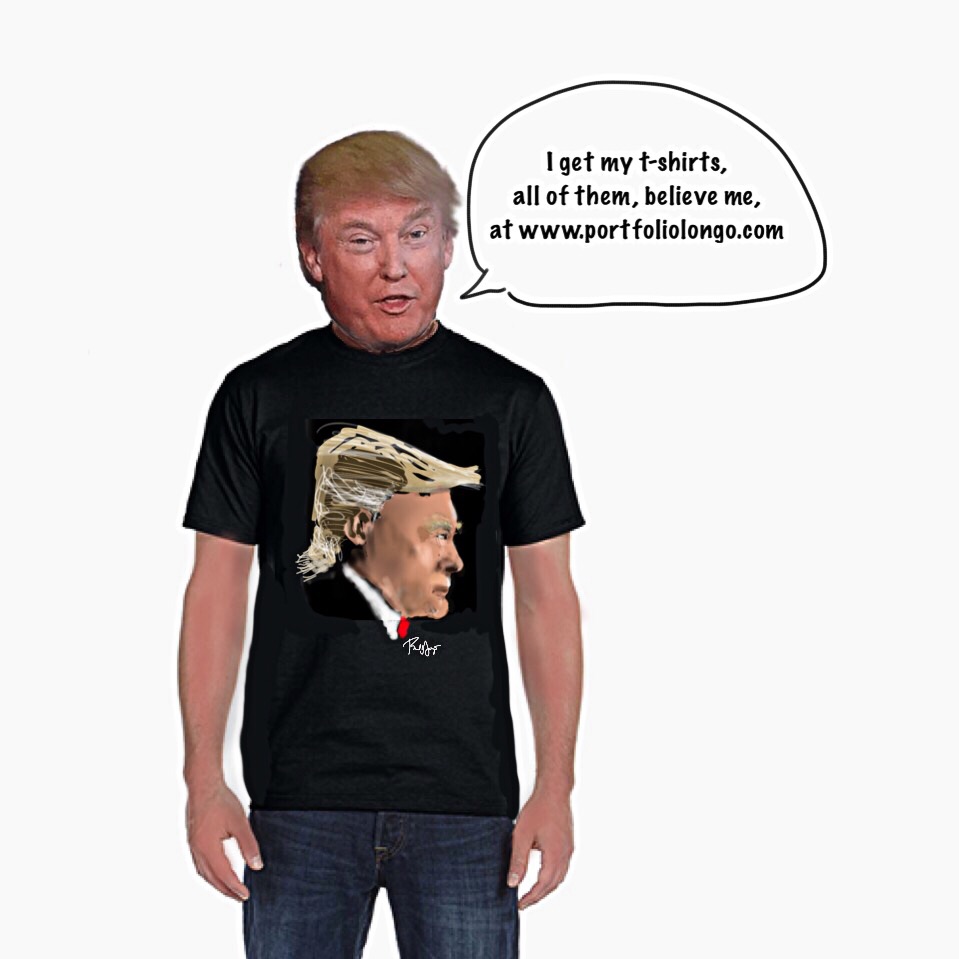
Obviously, you can import and even scan in images. It has layers. You can cut, paste, move, and resize, but you can’t distort. There’s no smudge tool and only a limited number of brushes and pens. Still, there’s more than enough to work with, and I just might start with SketchBook for Education and then introduce Procreate.
 portfoliolongo