
Started this one off in Paper by Fifty Three, brought it into Procreate for reconstructive surgery, sharpened it in iColorama, and added the text in Phonto.


Started this one off in Paper by Fifty Three, brought it into Procreate for reconstructive surgery, sharpened it in iColorama, and added the text in Phonto.

Click on image to enlarge to full sixe
Procedural stipply in Sketch Club and a touch of iColorama on iPad Pro w/ Apple Pencil. Per omnia saecula saeculorum. Amen
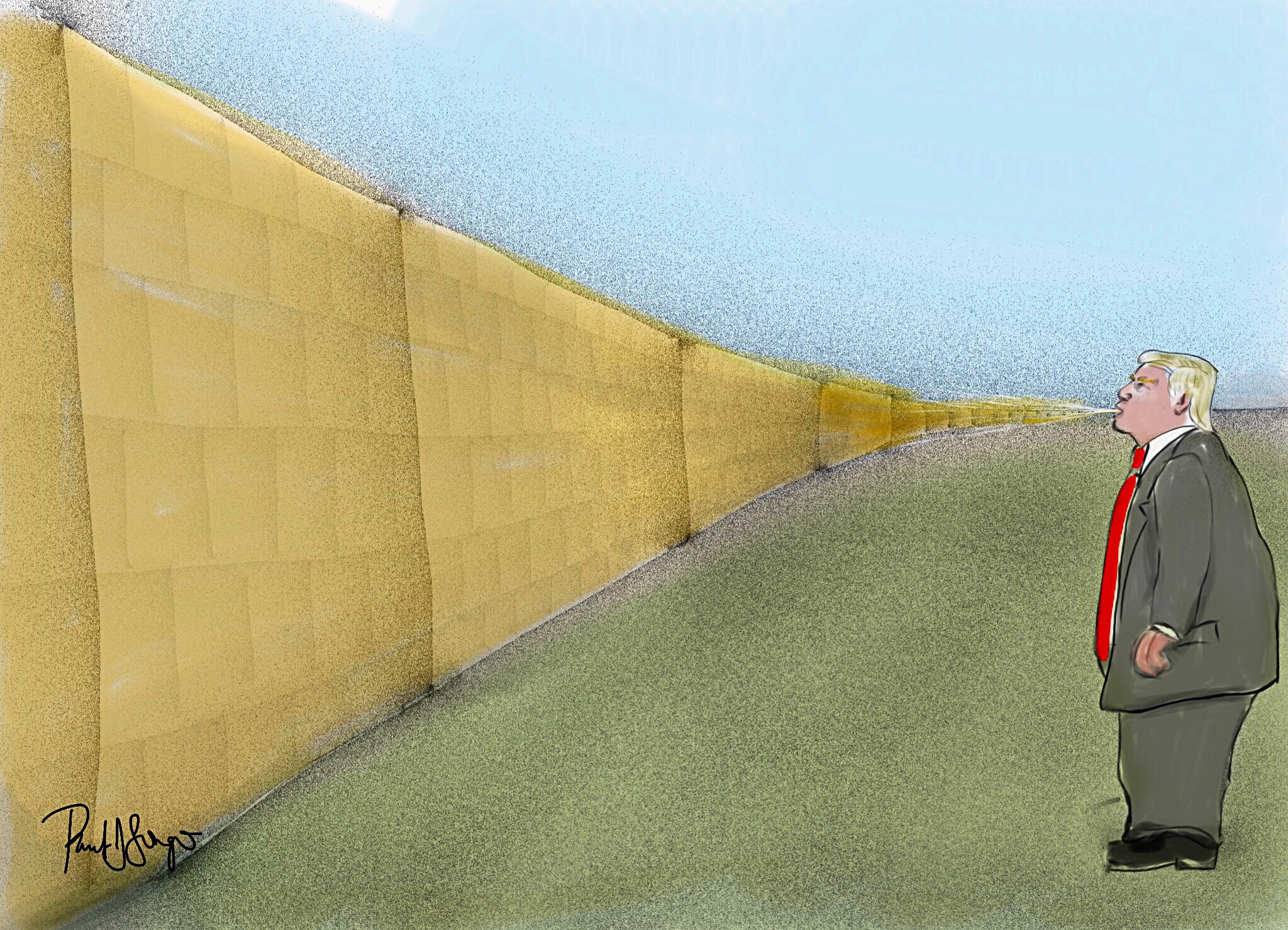
Mostly Sketch Club with a little Procreate and iColorama on an iPad Pro with Apple Pencil
As I mentioned in a previous post, click here for details, I’ve been gearing up to teach digital (iPad) art as an “enrichment” component in select classrooms that may or may not be near you. It’s a public school setting, so obviously I can’t be peddling my own ideological biases in any way, shape, or form, but that’s only the tip of the iceberg.
I originally proposed Paper by 53 and Tayasui Sketches as the drawing/painting apps that I’d use; however, both of them scored so low in the student-privacy-protection evaluation that I had to come up with 2 substitutes. We ended up with Procreate, the full version, and the “educational” version of Autodesk SketchBook. I’m somewhat familiar with SketchBook Pro; it’s comparable to Procreate, but SketchBook for Education has fewer features. So last night I wanted to play around with those features, and this is what I managed to crank out:

Obviously, you can import and even scan in images. It has layers. You can cut, paste, move, and resize, but you can’t distort. There’s no smudge tool and only a limited number of brushes and pens. Still, there’s more than enough to work with, and I just might start with SketchBook for Education and then introduce Procreate.
I feel somewhat compelled to mention that the Etch A Sketch frame is an actual stock frame image in Sketch Club. I find it a hilarious icon since it’s kinda’ like the original iPad!

Click on image to enlarge
Sketch Club, iPad Pro, Apple Pencil, iColorama
I’m making some arrangements and visiting four different classrooms so as to teach digital iPad art; working with an assistant superintendent, at least two coordinators, and four elementary, middle, and high teachers; dealing with IT Infrastructure and separate networks in two local school district and the county school district; assessing student interest; getting a feel for enrichment art in special education; and playing all this by ear with somewhere between four and 14 iPads that will somehow show up charged and updated with approved drawing/painting apps and maybe even individual students folders in the cloud to hold the resulting image files until maybe some of them can be posted on social media or printed and, who knows, maybe even some of these can be entered into art shows.
Here’s a four minute drawing of the busy high school classroom I visited today, where I might be working once or twice a week with 3 or 4 students during the 3rd period.
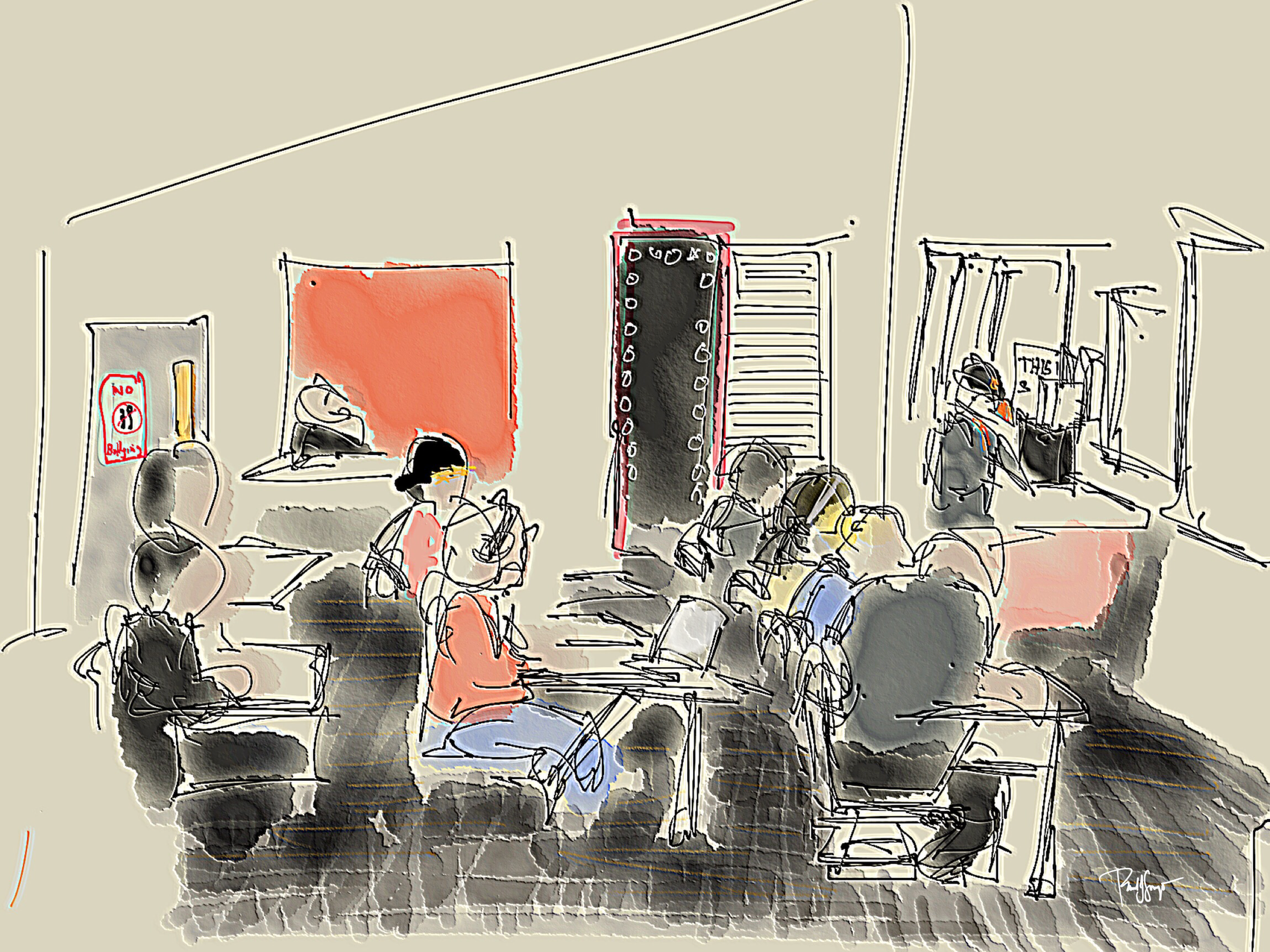
Paper 53, iColorama, iPad Pro, Sty HD stylus since my Apple Pencil was playing hocky.
click on image to enlarge
Minutes & Moments
Paper 53, iPad Pro, Apple Pencil

Keeping busy in the Firestone Complete Auto Care waiting room/chapel.
click on image to enlarge
 portfoliolongo